
Closing a cover letter and signing off
How to end a cover letter with a clear next step, a polite sign-off and contact details the reader can use right away.
Read more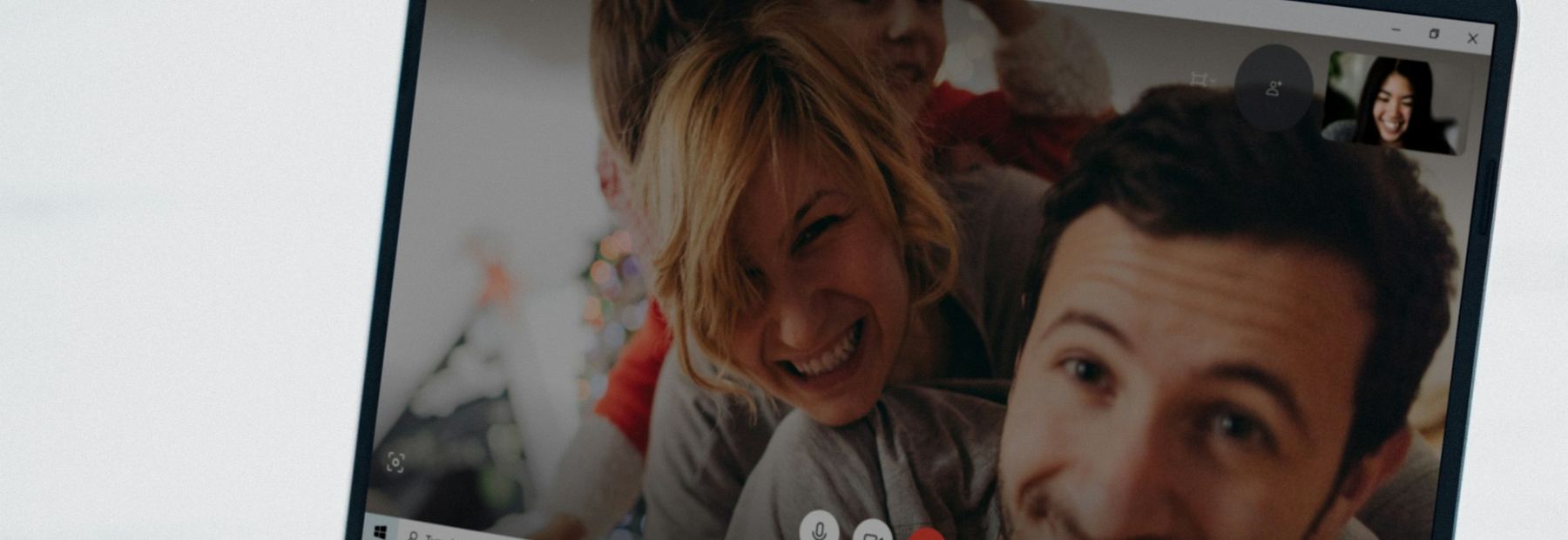
Many employers now hold the first round or two by phone or video. This article covers what each format is for, how to set up your space and equipment, and what to do when the connection fails.
A phone screen is usually short, often 15 to 30 minutes, and is commonly run by a recruiter or someone in HR rather than the hiring manager. It checks the basics: whether you have the required experience, your availability, your interest in the role and sometimes your pay expectations. Treat it as a real interview, because it decides who moves forward.
Take the call somewhere quiet, with your resume and the posting in front of you. Answer unknown numbers politely while you are expecting a call, and record a voicemail greeting that gives your name. If a call comes when you cannot talk, ask to set a better time within the next day.
Treat it as a real interview, because it decides who moves forward.
A live video interview works like an in-person one, with the same questions and often more than one interviewer. Test the platform the employer names a day ahead on the device you will use, and check the camera, the microphone and the name shown on your screen. Put the camera at eye level and sit facing a window or lamp so your face is lit from the front.
Choose a plain background, silence your phone, and close other programs and notifications. Look at the camera when you speak rather than at your own image. Dress as you would for an in-person interview from head to toe, since you may need to stand up or move.
Some employers send a link to a recorded interview, where questions appear on screen and you record each answer with no one on the other end. There is usually a short time to think and a time limit for each answer, and some platforms allow a retake while others do not. Read the instructions before you start and look for a practice question.
Speak a little more slowly than usual and keep each answer inside the limit. Under the Americans with Disabilities Act you can ask the employer for a reasonable accommodation, such as extra time or a different format, before you begin.
Ask for a phone number or a backup contact when the interview is scheduled. If the video freezes or drops, rejoin right away, and if that fails, call or email to say what happened and offer to continue by phone. Interviewers deal with dropped connections often and rarely hold one against a candidate.
A quiet room, a steady connection and a working camera are hard to find at home for many people. Many public libraries and American Job Centers have private rooms or computers you can reserve for an interview, so ask about them when you book.
Who to ask
The recruiter or HR contact who scheduled the interview
Prepare for a phone or video interview as seriously as an in-person one, and plan for the connection to fail.
More from other parts of the job search
How to end a cover letter with a clear next step, a polite sign-off and contact details the reader can use right away.
Read moreHow to catch the errors a spell checker misses and save a resume file that opens cleanly for whoever receives it.
Read moreOne document with every date, address, supervisor and license number, so each application form goes quickly and reads the same.
Read moreNew and updated articles on the part of the job search you choose, by email, and by text if you tick the box.

